Your LinkedIn profile photo is doing far more work than you think. It is the first thing a recruiter, a prospective client, or a hiring manager sees, and they form an impression in well under a second, long before they read your headline or scroll to your experience. A clear, professional photo signals that you take your career seriously. A blurry cropped wedding photo or an empty grey silhouette signals the opposite. LinkedIn itself reports that profiles with a photo see far more engagement: 21 times more profile views and nine times more connection requests than profiles without one.
The problem is that a genuinely good headshot used to require a studio, a photographer, and a few hundred dollars. That is exactly why AI headshots for LinkedIn have exploded in popularity: you upload a handful of selfies, and the tool produces a set of polished, professional portraits that still look unmistakably like you. This guide goes deep on the whole picture: what actually makes a strong LinkedIn headshot, how AI headshots work under the hood, how to choose the right settings, industry-by-industry notes, the do's and don'ts, and the question everyone quietly worries about: are they acceptable in a professional setting?
What Makes a Strong LinkedIn Headshot
Before you generate a single image, it helps to understand what you are aiming for. A strong LinkedIn headshot is not about looking like a model. It is about looking like a competent, approachable, recognizable version of yourself. Four elements do almost all the heavy lifting.
Framing and crop
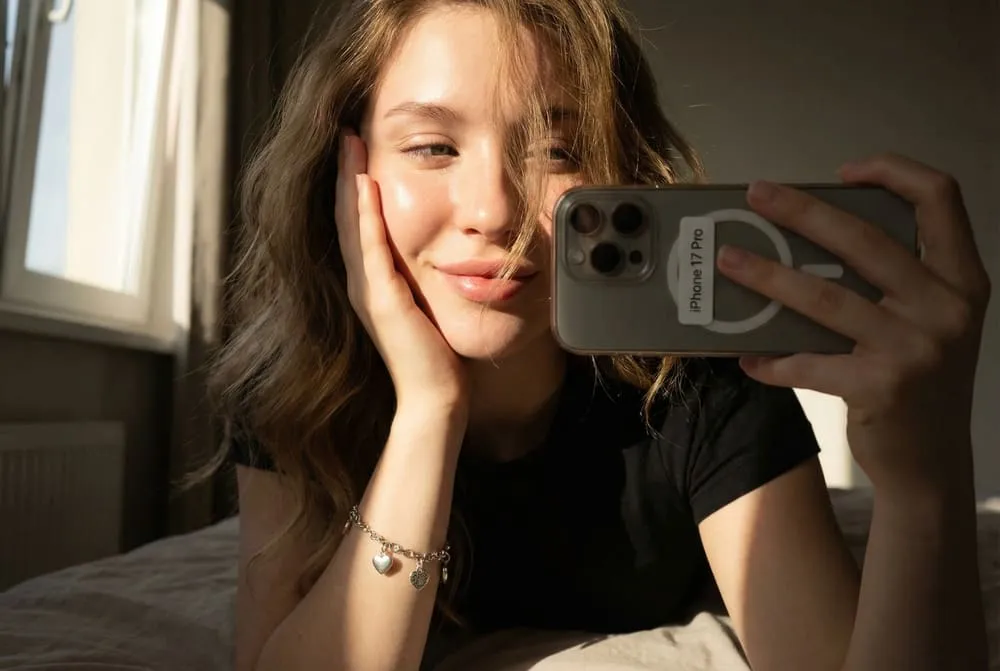
LinkedIn recommends a head-and-shoulders composition where your face fills roughly 60 percent of the frame. That single ratio fixes the most common mistake people make: standing too far back so their face becomes a thumbnail no one can read on a phone screen. Shoot or generate at eye level, not from above or below, since a camera angled down flatters almost no one and an angle from below reads as imposing.
Remember that LinkedIn crops your photo into a circle. Anything in the corners disappears, so keep your head centered with a little breathing room above it and your shoulders squared toward the camera. A slight turn of the body with your face toward the lens, somewhere in the 10 to 30 degree range, looks more natural and dynamic than rigid head-on symmetry.
Background
Neutral wins. Solid white, light grey, soft blue, or a gently blurred office environment all keep the focus on your face. Busy backgrounds (a cluttered desk, a vacation skyline, a doorway with other people in it) pull attention away and make the image read as casual. The goal is for a viewer to look at you, not to play detective with the scene behind you. If you want a hint of context, a softly out-of-focus modern workspace works far better than anything sharp and detailed.
Attire
Dress one notch more polished than your typical workday, in a way that fits your field. Solid colors photograph better than busy patterns, which can shimmer or distract at small sizes. Jewel tones like deep blue, emerald, and burgundy tend to look professional across a wide range of skin tones and hold up well when the image is shrunk to a tiny circle in a search result. We will get into specific industries below, but the underlying rule is simple: you should look like you belong in the room you are trying to enter.
Expression
A subtle, genuine smile consistently outperforms both a stone-faced neutral look and a forced, toothy grin. The sweet spot is a relaxed, warm expression with engaged eyes — the look you would have when greeting someone you are pleased to meet. Eye contact with the lens matters enormously; it creates the sense that you are looking at the viewer directly. If your smile feels stiff, think of something that genuinely amuses you right before the shot. With AI generation, you steer this by choosing reference selfies where your expression already reads as warm and confident.
How AI Headshots for LinkedIn Actually Work
Understanding the mechanics helps you set realistic expectations and get better results. Modern AI headshots for LinkedIn are not filters slapped over an existing photo. They generate genuinely new images of you, built from a model that has learned your face.
The typical pipeline looks like this:
- You upload reference selfies. Most quality tools want somewhere between 8 and 20 photos. The model uses these to learn your facial geometry, skin tone, eye color, hair, and the distinctive features that make you recognizably you.
- The system fine-tunes a personal model. Behind the scenes, the generator briefly trains a lightweight, dedicated model on your photos, usually with an efficient technique called LoRA (low-rank adaptation) layered on top of a diffusion model. In plain terms, it teaches a powerful general image model one new concept: your face.
- You choose styles and scenes. Studio lighting, corporate background, business attire, a particular color palette. The prompts steer the wardrobe and setting while the system constrains the output to preserve your identity.
- It generates a batch. You receive dozens of candidates and keep the handful that look most like you on a great day.
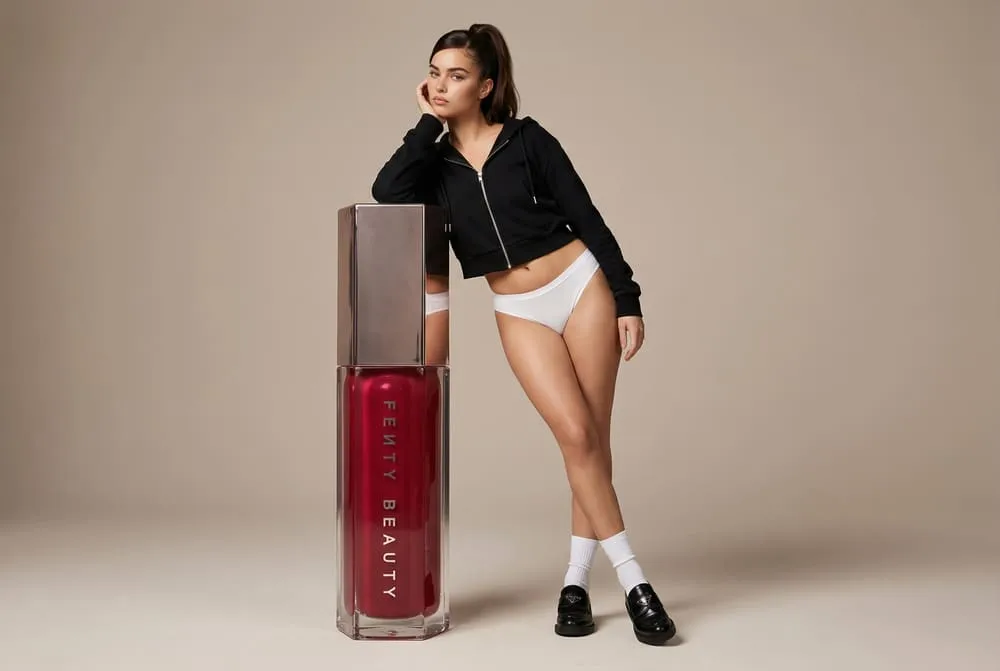
In our experience, the quality of your uploads determines everything. This is the single most important thing to internalize: garbage references in, garbage results out. Feed the model 15 to 20 recent, well-lit photos taken from varied angles and with a couple of different expressions, and the likeness will be strong. Feed it five dim, near-identical bathroom selfies and the output will drift into a smoothed-over stranger. Avoid sunglasses, hats, heavy filters, and group shots where your face is small. The model cannot learn what it cannot clearly see.
Training usually takes anywhere from a few minutes to a couple of hours depending on the service, and the strongest tools let you regenerate or restyle specific shots rather than forcing you to accept the first batch. If you want to see how a likeness-first workflow plays out in practice, a studio approach like a dedicated AI headshot generator builds the model from your own selfies first, then lets you produce variations, which is much closer to a real photoshoot than a one-tap effect.
Choosing the Right Settings
Once your model is trained, the settings you select are where good results become great. Think of yourself as the art director of your own shoot. Here are the levers worth deliberately controlling.
Lighting. Soft, even, front-facing light is the default for a reason: it minimizes harsh shadows and flatters most faces. "Studio softbox" or "natural window light" styles tend to be safe, professional choices. Avoid dramatic side lighting or moody shadows for a primary LinkedIn photo; save those for a creative portfolio.
Color palette. Coordinate your attire color with the background so neither competes with the other. A navy blazer against a light grey background is a classic for a reason. If your tool lets you specify, push for a clean, slightly desaturated palette over anything overly vivid. Our guide to what to wear for a professional headshot goes deeper on colors, necklines, and the fine patterns that break on camera.
Crop and aspect ratio. Generate square (1:1) or generate larger and crop to square yourself, since that is what LinkedIn uses. Keep the composition tight enough that your face survives the circular crop.
It also helps to know LinkedIn's technical specs so your final image displays sharply rather than getting upscaled into a blurry mess.
| Specification | LinkedIn requirement | Practical recommendation |
|---|---|---|
| Optimal dimensions | 400 x 400 pixels | Export at 800 x 800 or larger for a safety margin |
| Minimum dimensions | 300 x 300 pixels | Never go below this; it forces blurry upscaling |
| Aspect ratio | 1:1 (perfect square) | Compose with head centered for the circular crop |
| File format | PNG or JPEG | PNG preserves the most detail for a crisp result |
| Maximum file size | 8 MB | Comfortable for any high-resolution AI export |
Most reputable AI headshot tools already output high-resolution square images that clear these requirements with room to spare, so your main job is simply to pick the cleanest, most representative shot and export it at the largest size available.
Industry-by-Industry Notes
The "right" LinkedIn headshot is not universal. It is calibrated to your field's expectations. A look that signals competence in investment banking can read as stiff and overdressed in a design studio, and vice versa. Use the table below as a starting point, then adjust toward your specific company culture.
| Industry | Recommended attire | Background and tone | Notes |
|---|---|---|---|
| Finance, banking, consulting | Suit and tie, or a tailored business suit / conservative blouse | Neutral grey or white, composed expression | Most conservative; err toward formal and understated |
| Law and accounting | Dark suit, crisp shirt, minimal accessories | Solid neutral, traditional studio feel | Authority and trust matter; keep it classic |
| Corporate / general business | Blazer, button-down, optional tie | Light neutral or softly blurred office | Smart, approachable, broadly safe |
| Tech and startups | Smart casual: clean button-down, quality crew neck, or blazer without a tie | Neutral or subtle modern workspace | Avoid a hard t-shirt look; aim for "polished casual" |
| Creative (design, marketing, media) | More expressive: texture, a considered pop of color, an accessory | Can carry a bit more personality, still uncluttered | Personality is an asset, but keep it intentional |
| Healthcare | Professional attire or clean clinical wear if relevant | Bright, clean, reassuring | Approachability and trust are paramount |
| Academia and nonprofit | Business casual, warm and accessible | Neutral or lightly contextual | Slightly less formal; warmth over polish |
| Sales and real estate | Sharp, confident business attire, bright smile | Clean neutral, strong eye contact | Likeability sells; lean into a warm, energetic expression |
The throughline across every industry is the same: dress as the most credible, well-put-together version of someone in your role, and let the background recede so your face carries the image. When in doubt, go one step more polished than your daily norm — it is far easier to forgive a headshot that is slightly too sharp than one that is too casual.
Do's and Don'ts
A quick, scannable checklist for both shooting your reference selfies and selecting your final AI headshot.
Do:
- Use 15 to 20 recent, well-lit reference photos with varied angles and a couple of expressions.
- Keep your real features intact: same jawline, same hairline, same age. The goal is you on a great day.
- Choose a subtle, genuine smile with direct eye contact.
- Pick a neutral or softly blurred background that matches your industry.
- Generate and export at high resolution, then crop to a centered 1:1 square.
- Update your photo every two to three years, or whenever your appearance changes meaningfully.
Don't:
- Don't slim your face, reshape your features, or shave a decade off; a video interview will expose the gap instantly.
- Don't use sunglasses, hats, busy patterns, or anything that obscures or distracts from your face.
- Don't accept the obviously artificial shots. Scan hands, ears, teeth, collars, and glasses for the telltale AI glitches, and discard any that look "off."
- Don't reuse a casual cropped photo from a party or vacation; the cropped-out arm is always visible.
- Don't pick the most flattering image if it no longer looks like you. Recognizability beats vanity every time.
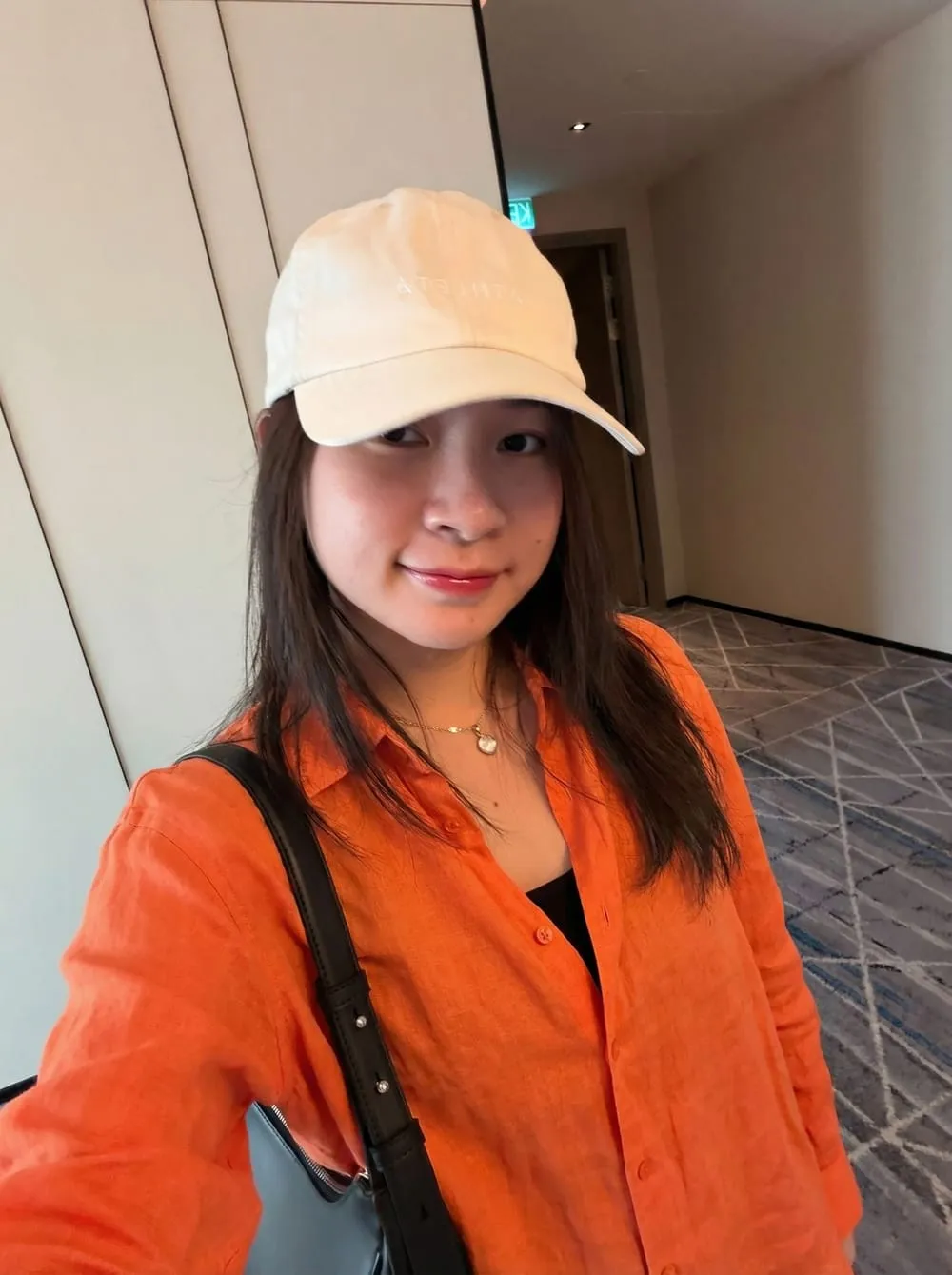
That last point deserves emphasis. We've found the single most common failure mode is choosing the prettiest output rather than the most accurate one. Your headshot is a promise. The person who walks into the interview or joins the video call has to match it, or the small disappointment of "they don't quite look like their photo" undercuts trust before you have said a word.
Are AI Headshots Acceptable Professionally?
This is the question that makes people hesitate, so let's address it directly. The short answer: yes, when they are high quality and genuinely look like you. AI portraits have become a common part of the modern job search, and the pattern we see most is that realistic results pass without comment while over-stylized ones quietly invite doubt.
Recruiters and hiring managers are, on the whole, far less concerned with how a photo was made than with whether it represents you accurately. They are not running forensic analysis on your profile picture. They care that when you show up for a video interview or an in-person meeting, you look recognizably like the person they have been corresponding with. A well-made AI headshot trained on your own face clears that bar easily. A traditional studio photo from ten years ago does not.
That said, two cautions are worth taking seriously. First, quality is the real dividing line. A headshot that looks plasticky, has uncanny skin, mismatched lighting, or warped hands can read as low-effort or even slightly deceptive — the opposite of the polished impression you wanted. Discerning viewers may not be able to articulate why, but an artificial-looking photo can quietly lower their confidence in everything else on the profile. The fix is to use a tool that produces genuinely realistic output and to ruthlessly reject the weaker results.
Second, accuracy is non-negotiable. The professional and ethical line is misrepresentation. Improving your lighting, tidying your background, and wearing a polished version of clothing you would actually wear is entirely fair. Inventing a different face, a different body, or a noticeably younger you is not, and it will backfire the moment you meet anyone in person.
It is also worth noting what an AI headshot does not affect. Applicant tracking systems (ATS), the software that parses and ranks your résumé, typically ignore or strip photos entirely, and many recommend leaving photos off the résumé itself precisely to avoid bias concerns. So your headshot's job lives on LinkedIn and other profiles, not in the ATS pipeline. There, a clean professional photo influences the human who reviews you after the software has done its filtering, which is exactly where a strong first impression pays off.
For most professionals, the verdict is straightforward: a realistic, accurate AI headshot is a smart, cost-effective upgrade over a dated or low-quality photo, and an entirely acceptable one. If you want a guided, profile-ready output, a purpose-built LinkedIn headshot generator or a broader professional photo generator will steer the framing, lighting, and attire toward the conventions described above.
Frequently Asked Questions
Are AI headshots good enough for LinkedIn?
For most people, yes. The best AI headshot tools now produce high-resolution, realistic portraits that meet LinkedIn's quality standards and look indistinguishable from a studio session at a glance. The deciding factors are the quality of your reference selfies and the tool you use. Strong references and a capable generator yield a headshot that looks polished and professional; weak inputs produce smoothed-over, artificial results that are not good enough.
Can recruiters tell if a headshot is AI-generated?
Often they cannot, especially with high-quality output, and most do not actively try. Their concern is whether you look like your photo when you meet, not the method behind it. The giveaways of poor AI photos, such as waxy skin, distorted hands, mismatched lighting, and odd ears or teeth, are what raise eyebrows. Realistic, accurate headshots that genuinely resemble you rarely draw scrutiny, while obviously artificial ones can erode trust.
How many photos do I need to upload for AI headshots?
Most tools work best with 15 to 20 reference selfies, though some accept as few as 8. Quality and variety matter more than raw count. Use recent, well-lit photos taken from several angles with a couple of different expressions, and avoid sunglasses, hats, heavy filters, and group shots. A focused set of strong references produces far better likeness than a large pile of dim, near-identical photos.
How much do AI headshots cost compared to a photographer?
A traditional professional headshot session typically runs from around one hundred to several hundred dollars, plus scheduling and travel. AI headshot generators usually cost a small fraction of that and deliver dozens of options in minutes to a couple of hours. The tradeoff is that AI depends entirely on your reference photos and your willingness to curate the results, whereas a photographer directs the shoot in real time.
What should I wear for an AI LinkedIn headshot?
Dress one step more polished than your typical workday, calibrated to your industry. Solid colors photograph better than busy patterns, and jewel tones like navy, emerald, and burgundy flatter most people at small sizes. Finance and law lean formal, calling for a suit or tailored business attire, while tech and creative fields allow smart casual. The aim is to look like the most credible version of someone in your role.
Will an AI headshot hurt my job applications or ATS ranking?
No. Applicant tracking systems generally ignore or strip photos and rank you on the text of your résumé, so your headshot plays no role there. On LinkedIn, where the photo does matter, a clean and accurate professional image helps rather than hurts. The only real risk is a low-quality or misleading photo that does not match your appearance, which can undercut trust once a human reviewer or interviewer sees you.
How often should I update my LinkedIn headshot?
Refresh it every two to three years, or sooner if your appearance changes meaningfully: a new hairstyle, glasses, significant weight change, or a shift in how you present yourself professionally. Updating also triggers a profile-update notification to your network, which can give your profile a small, temporary visibility bump. Keeping your photo current ensures you remain recognizable to people who find you online and then meet you in person.
Is it better to use AI headshots or a real photographer?
It depends on your budget, timeline, and how much variety you want. A photographer offers real-time direction, lighting expertise, and genuine candor, but costs more and requires scheduling. AI headshots are faster, cheaper, and produce many style options, but rely on good reference photos and careful selection. Many professionals get excellent results from AI alone; others use it as an affordable bridge until their next in-person shoot.
Conclusion
A great LinkedIn headshot is one of the highest-return, lowest-effort investments you can make in your professional presence. The fundamentals never change: tight head-and-shoulders framing, a neutral background, industry-appropriate attire, a warm and genuine expression, and a photo that looks unmistakably like you. AI headshots for LinkedIn simply remove the old barriers — the cost, the scheduling, the single rushed session — and let you generate a polished, professional, recognizable photo from a handful of selfies.
Use the framing and attire principles above, calibrate to your industry, lean on strong reference photos, and choose the most accurate result rather than the prettiest one. Do that, and your headshot will quietly do its job every time someone lands on your profile: signaling, in less than a second, that you are exactly the professional they were hoping to find. If you are ready to try it, you can create your professional AI photos from your own selfies and pick the shot that looks most like you at your best.