Your photos are the whole pitch
On a dating app, your photos are not part of the pitch. They are the pitch. Someone decides whether to keep reading or keep scrolling in the time it takes to register a single thumbnail, and no bio, prompt, or witty opener gets a chance until your first image earns it. That is why the search for the best AI photo generator for dating apps has gone from a niche curiosity to a mainstream tool. Online dating itself is now ordinary: roughly three in ten U.S. adults say they have ever used a dating site or app, and most of them simply do not have a camera roll full of bright, varied, flattering shots. They have group photos, bad lighting, and one good picture from a wedding two years ago.
The problem is that the market is now crowded with tools that all promise "stunning, realistic dating photos in minutes," and most of them look impressive in a marketing gallery and disappointing on your actual face. Some bleach your skin. Some hand you a jawline you have never owned. Some produce gorgeous strangers who happen to share your hair color.
This guide is the buyer's manual nobody hands you. We will cover what actually separates a great AI dating photo generator from a gimmick, how the underlying technology works (in plain English), the exact checklist to evaluate any tool, the pitfalls that quietly sabotage results, app-by-app tactics for Tinder, Bumble, Hinge, and OkCupid, and the workflow that keeps your photos looking unmistakably like you.
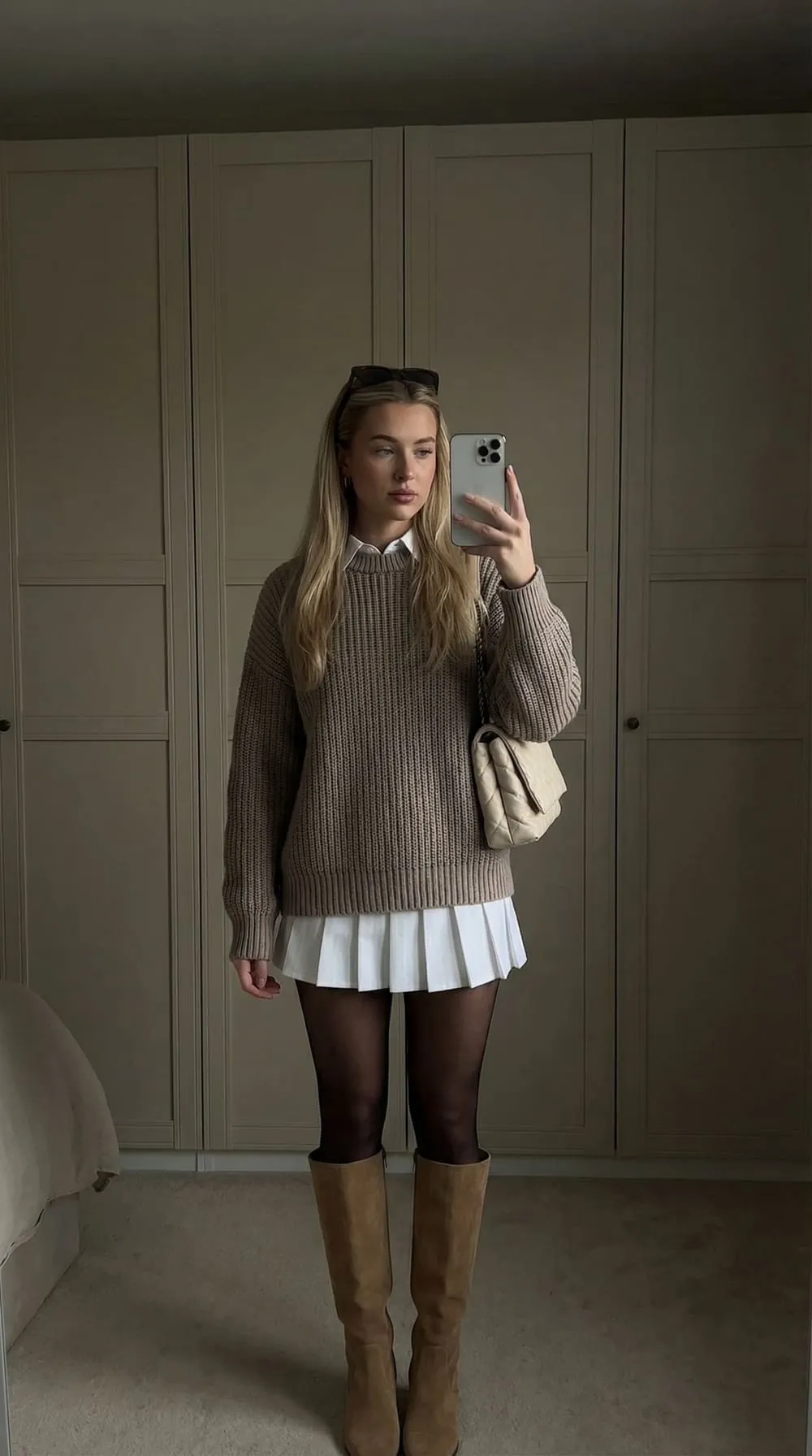
What makes the best AI photo generator for dating apps?
It is tempting to rank these tools by who produces the prettiest image. That is the wrong metric. A dating photo has a job that an ordinary "AI portrait" does not: it has to survive a real-world meeting. The best AI photo generator for dating apps is the one whose output a stranger could match to you across a coffee-shop table without a flicker of "wait, that's not the same person."
Everything else flows from that single standard. Three qualities matter most.
Identity fidelity. The tool has to preserve your actual face: the proportions, the asymmetries, the small features your friends would recognize, not an idealized average. Generators that "beautify" by default fail here, because they optimize for a generically attractive face instead of yours. The give-away is when your AI photos look better than you but less like you.
Photorealism without the uncanny valley. A good result has natural skin texture, plausible lighting physics, real depth of field, and slightly imperfect details. Plastic skin, glassy eyes, fused fingers, melted ear jewelry, impossible background geometry, and that faint airbrushed sheen are the tells that get a profile silently distrusted even when a viewer cannot articulate why.
Range with consistency. One headshot is not a profile. You need a set: a sharp face shot, a full-body image, an activity scene, a casual outdoor moment. Across all of them it must read as the same person on the same week of their life. A tool that nails one pose but drifts your face across the others is only half a solution.
Beauty is the easy part for modern models. Believability is the hard part, and it is the part that gets dates.
How AI dating photo generators actually work
You do not need a machine-learning degree to choose well, but understanding the mechanics helps you spot marketing fluff and know why some tools cost more or deliver better likeness.
Modern photo generators are built on diffusion models — systems trained on enormous image sets that learn to turn random visual noise into a coherent picture, step by step, guided by a text prompt. On their own, these models can paint a convincing human, but not you. They have never seen your face.
To make the output look like a specific person, good tools personalize the model to you. The dominant technique in 2026 is LoRA (Low-Rank Adaptation): instead of retraining the entire multi-billion-parameter model (slow and expensive), the tool trains a small, compact add-on that nudges the base model toward your specific features. Think of the base model as a master portrait painter and the LoRA as a tight, detailed reference sheet of your face that the painter consults on every stroke. Because the add-on is small, training is fast and the base model keeps all its skill at lighting, fabric, and scenery.
This is why your input photos matter more than almost any other factor. The personalization is only as good as the reference material. Feed the model a handful of dark, filtered, samey selfies and it learns a blurry, distorted version of you. Feed it varied, sharp, unfiltered shots across different angles, expressions, and lighting, and it builds an accurate internal model of your face that holds up across new poses and settings.
A typical pipeline looks like this:
- You upload selfies. Some tools work from as little as one good selfie; most that target true likeness ask for several so they can triangulate your features from multiple angles.
- The tool builds a personal model (the LoRA or equivalent) from those images. This step is what distinguishes a real personalized generator from a face-swap filter.
- You generate photos by selecting styles, outfits, and scenes, or you let the tool run preset "dating profile" templates.
- You curate. This is the step buyers underrate. No tool bats a thousand; you pick the keepers and discard the misses.
A face-swap app, by contrast, just pastes your face onto a stock body. It is faster and cheaper, and it shows: lighting mismatches, head-to-body proportion errors, and a face that floats slightly disconnected from its surroundings. For dating photos, where scrutiny is high and verification is real, true personalization wins.
How to choose the best AI photo generator for dating apps: a checklist
Use the table below as a scorecard. Run any tool you are considering (including a free trial if one exists) against these criteria before you pay or, more importantly, before you upload the results to your profile.
| Criterion | What to look for | Red flag | Why it matters |
|---|---|---|---|
| Likeness | Output recognizable as you by a friend at a glance | "Glow-up" that changes face shape, age, or skin tone | Drift from your real face breaks trust and fails photo verification |
| Realism | Natural skin texture, real depth of field, slight imperfection | Plastic skin, glassy eyes, warped hands or teeth | The uncanny valley gets profiles distrusted without viewers knowing why |
| Input flexibility | Works from your real selfies; clear guidance on photo quality | Demands you look "perfect" or hides input requirements | Garbage in, garbage out; input quality drives the whole result |
| Set variety | Headshots, full-body, activity, indoor and outdoor scenes | Only tight face crops or one repeated pose | A profile needs a range; one good shot is not a profile |
| Consistency | Same face and recent "era" across every generated image | Face subtly changes person to person | An incoherent set reads as fake even when each image looks fine |
| Style control | Outfit, setting, framing, and vibe you can steer | One-size-fits-all aesthetic with no per-app tuning | Tinder, Bumble, Hinge, and OkCupid reward different looks |
| Privacy | Clear policy on deletion, no resale of your face/model | Vague terms, no deletion path, training on your likeness | Your face is biometric data; treat it like a password |
| Pricing transparency | Honest cost per usable photo, no hidden upsells | "Free" that paywalls every good output | A cheap tool that yields no keepers is the most expensive option |
| Turnaround | Reasonable wait, batch output you can curate | Instant single images with no curation room | You need volume to find the handful of genuinely strong shots |
Two notes on reading this scorecard. First, weight likeness and realism above everything — a tool can ace every other row and still be useless if the face is not yours or the images look synthetic. Second, we've found it pays to judge a tool by its worst typical output, not its best. Marketing galleries cherry-pick. On a real profile, you are judged by your weakest photo, so a generator that produces three stunning shots and seven uncanny ones is riskier than one that reliably produces six solid, believable ones.
The pitfalls that quietly sabotage AI dating photos
Most disappointing results trace back to a short list of avoidable mistakes. Knowing them in advance is half the battle.
The over-glow-up. This is the single most common failure, and the one we flag first. Tools that "enhance" by default slim your face, smooth every pore, whiten teeth past plausibility, and add a soft glamour haze. The photo looks great in isolation and wrong the moment you appear in person. On apps with photo verification, an over-glowed face can fail the live-selfie check outright. Aim for "you on your best day in great light," never "you, but a different person."
Uncanny-valley details. Diffusion models still stumble on hands, teeth, ears, eyeglasses, jewelry, and text. Zoom in on every candidate before you trust it. A perfect face with a six-fingered hand or melted earbuds in the background is an instant disqualifier.
The all-AI profile. A profile made entirely of polished, perfectly lit AI shots reads as too good to be true, and viewers have gotten sharp at spotting it. The fix is simple: keep one or two genuine candids (a real photo with friends, a slightly imperfect travel shot) so the set is anchored in reality. The AI photos raise your floor; the real ones prove you exist.
Wrong-context scenes. A studio headshot against a seamless gray backdrop signals "corporate" or "AI," not "fun first date." Dating photos perform best in lived-in, natural settings like a cafe, a park, a city street, or a kitchen, with light that looks like daylight, not a ring light.
Sameness. Five generated images in the same outfit, same angle, same expression tell a viewer nothing new and scream "batch generated." Vary outfit, location, framing, and expression so each photo adds information.
Stale or aspirational likeness. If you generate from selfies that are years old or that already lean on filters, the model learns the wrong baseline. Use recent, unfiltered references so the result matches who actually shows up to the date.
App-by-app tips: matching AI photos to each platform
The same set of AI photos should not go onto every app in the same order. Each platform has its own culture and its own decision-making mechanic, so the lead photo and emphasis should shift. Here is how to deploy your generated set per app.
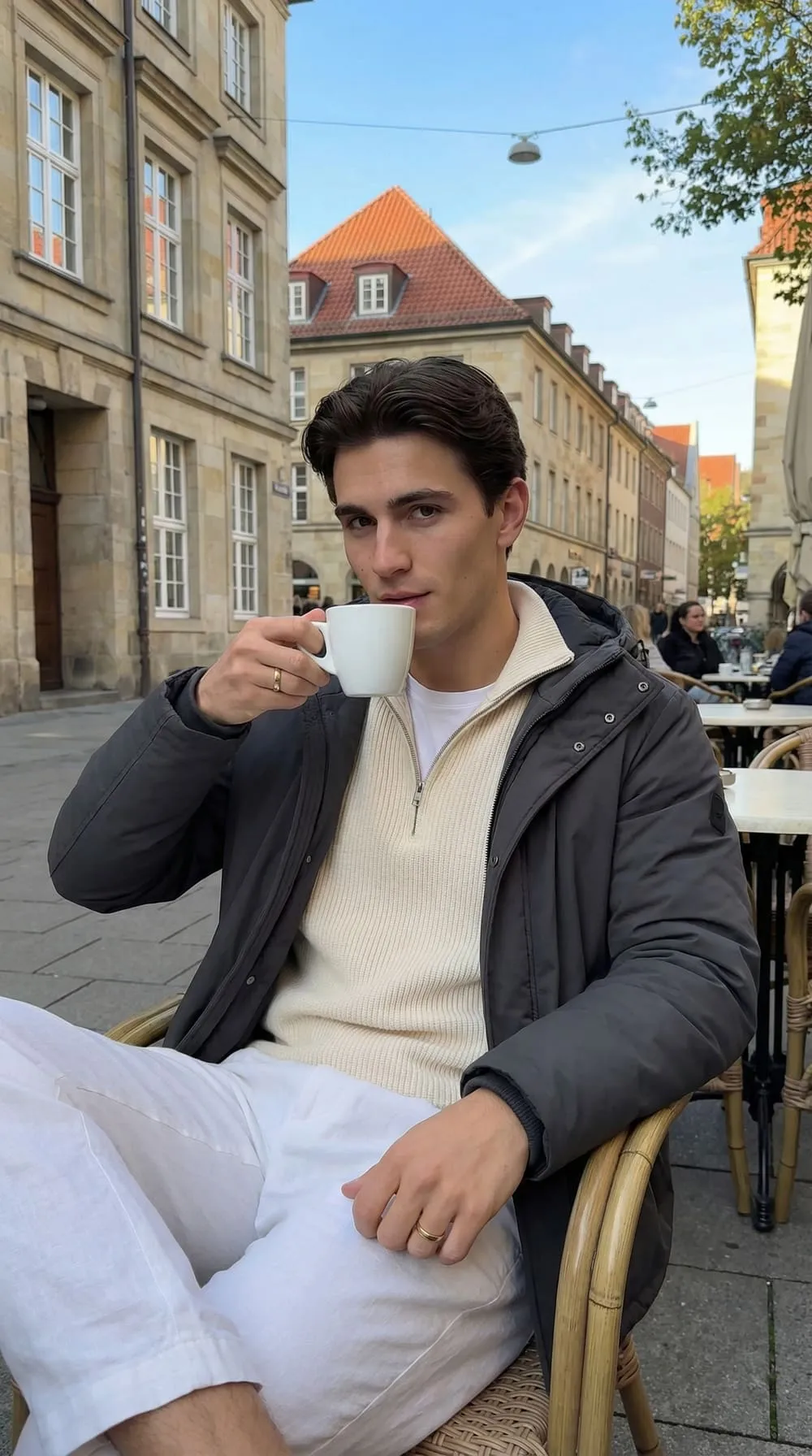
Tinder. Tinder is fast and photo-first; the first thumbnail does almost all the work. Lead with a bright, sharp, eye-level face shot with a relaxed smile and strong contrast against a clean background so it pops in a rapid feed. Generate a couple of variations of that hero shot, then back it with a full-body image and one lifestyle scene. The biggest mistake is leading with a group shot or a dark, distant image. For shot-by-shot framing tuned to each gender's strongest signals, see the breakdowns for the best Tinder photos for men and Tinder profile photos for women.
Bumble. Because women send the first message in heterosexual matches, your photos need to invite a conversation, not just a swipe. Prioritize warmth and approachability: a genuine, well-lit smile that reaches the eyes, open body language, and at least one photo with an obvious conversation hook (an activity, a distinctive place, a relaxed candid). When you generate for Bumble, dial the styling toward friendly-and-real rather than smoldering or overly polished. The Bumble profile photo guide covers the warm-but-confident balance in detail.
Hinge. Hinge is built around prompts and comment-driven likes, and it requires six photos to unlock core features, so you need a full, varied set rather than two strong shots. Generate images that are easy to comment on (an activity in progress, a hobby, a place with a story) and pair them with your prompts. Candid-feeling output beats stiff studio portraits here. The Hinge photo strategy guide walks through photo-and-prompt pairings that pull comments.
OkCupid. OkCupid skews toward people who read profiles and care about personality and values, so authenticity and a sense of your real life matter more than gloss. Generate photos that show genuine interests and a relaxed, unposed feel, and lean on natural settings over anything that looks staged. Our OkCupid photo guide covers how to signal personality through your shots.
A quick reference for how to weight your generated set per app:
| App | Lead with | Emphasize | Avoid |
|---|---|---|---|
| Tinder | Sharp, bright solo face shot | Instant scroll-stopping contrast | Group or dark lead photo |
| Bumble | Warm, approachable headshot | Conversation hooks, real smile | Stiff or "thirsty" lead |
| Hinge | Easy-to-comment activity shot | Variety, relationship intent | Recycled club photos |
| OkCupid | Authentic, personality-forward shot | Genuine interests and values | Over-polished, staged look |
The realness workflow: how to keep results looking like you
In our experience, the difference between AI photos that get dates and AI photos that get distrusted is almost never the tool. It is the process. Follow this workflow and almost any competent generator will give you usable results.
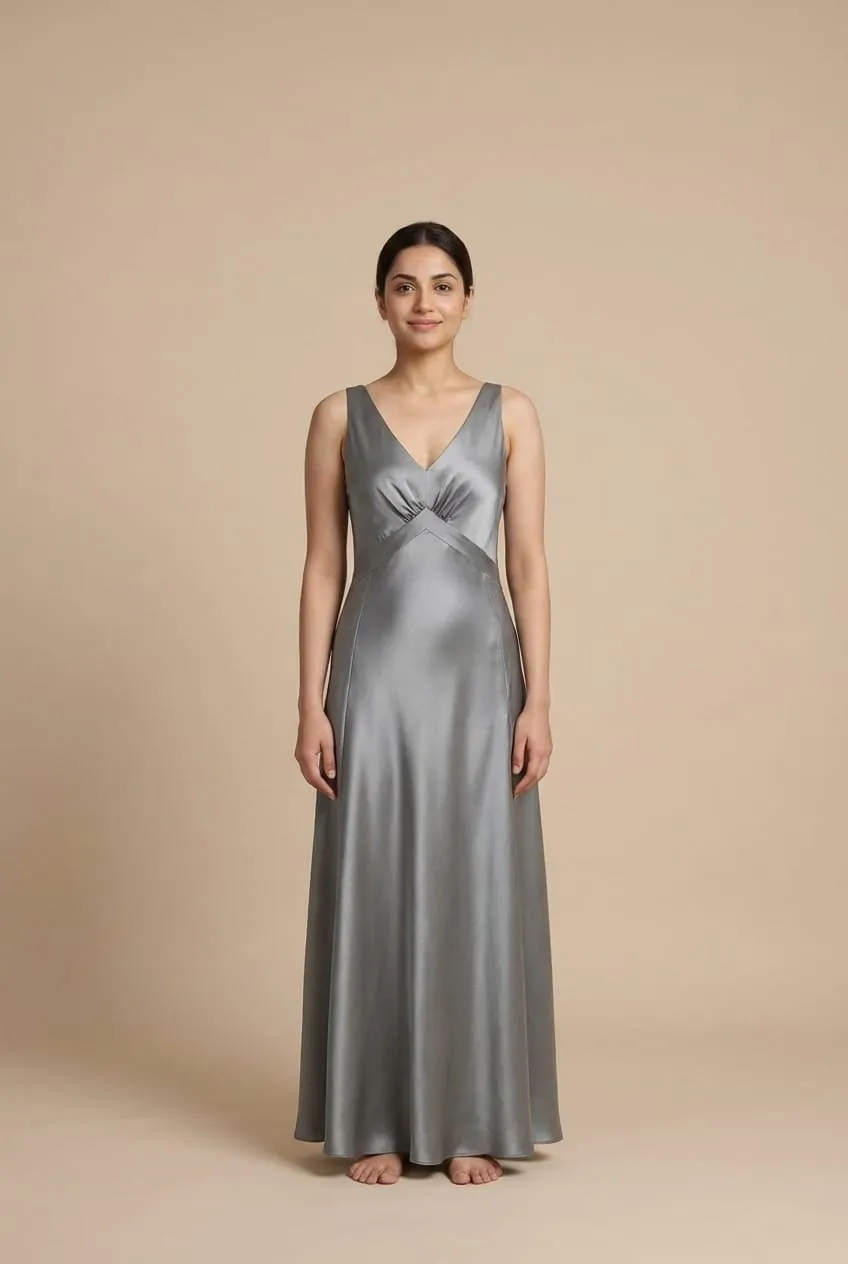
- Start with strong inputs. Take 8–12 recent, unfiltered selfies in good light. Vary the angle (straight-on, three-quarter, slight profile), vary the expression (neutral, soft smile, laughing), and shoot across a couple of days so the model sees you in different conditions. No sunglasses, no hats, no heavy editing. This single step has more impact on likeness than any other choice.
- Generate a wide batch, not a handful. Realism is a numbers game. Produce more images than you need so you have room to be ruthless when you curate. Mix outfits, settings, and framing on purpose.
- Curate against the recognition test. For each candidate, ask: would a friend instantly say "that's you"? Discard anything where the face has drifted: a changed jawline, a different skin tone, a too-perfect smoothing. Then zoom in and reject anything with hand, teeth, ear, or background artifacts.
- Blend in one or two real candids. Anchor the AI set with at least one authentic, slightly imperfect photo. This is what keeps the profile from feeling synthetic and gives a verifier and your eventual date a true reference point.
- Run a final realness check before uploading. View each image at thumbnail size (how people actually see it) and at full zoom. If anything reads as "off" at either scale, cut it. You are better off with four believable photos than six where one is uncanny.
This is also where a tool's design philosophy shows. TryOnWise is built around this exact principle: it generates realistic photos of you from your own selfies rather than inventing a better-looking stranger, so the output is meant to look like you on a good day rather than someone else entirely. Used inside the workflow above (strong inputs, wide batch, ruthless curation, a real candid or two), that approach is what keeps AI dating photos honest and effective at the same time. The use-case index lists the app-specific generators, from Tinder and Bumble through to professional headshots.
The mindset that matters: AI photo generation is not about manufacturing a life you do not have. It is about finally producing the photos a great phone camera and good lighting would have given you anyway: the bright headshot, the full-body shot, the activity scene, all without needing a photographer, a free weekend, and perfect weather.
Frequently Asked Questions
What is the best AI photo generator for dating apps in 2026?
There is no single winner for everyone, because the "best" tool is the one that preserves your face while producing realistic, varied photos. Prioritize identity fidelity and photorealism over which gallery looks prettiest, then judge any tool by its worst typical output rather than its cherry-picked marketing samples. A generator that reliably gives you six believable, recognizable photos beats one that produces three stunning shots and several uncanny ones.
Are AI photos allowed on dating apps like Tinder and Bumble?
Generally yes, as long as they genuinely look like you. What dating apps prohibit is misrepresentation: photos that change your face, age, weight, or features so much that you no longer look like your pictures in person. AI-enhanced lighting, an AI restyle of an outfit you own, or AI portraits trained on your own face are typically fine. Altering your jawline, skin tone, or eye color crosses into misrepresentation and can fail photo verification.
Will AI dating photos pass photo verification?
They can, if they stay true to your real face. Verification works by comparing a live selfie you record against your uploaded photos using your facial geometry; Tinder, for instance, explains that its photo verification matches a video selfie to your profile photos and runs a liveness check. AI photos that reflect your actual appearance pass; photos where the AI has drifted your features too far from reality can fail. This is exactly why over-glowing your photos backfires: keep the likeness accurate and verification is not a problem.
How many selfies do I need to upload?
It varies by tool. Some generators work from as little as one good selfie, but for the strongest likeness, 8–12 varied, recent, unfiltered selfies give the model far more to work with. Include different angles, a few expressions, and a couple of lighting conditions, and avoid sunglasses, hats, and filters. Better input photos improve the result more than any other single factor.
How do I make AI dating photos look realistic and not fake?
Start with high-quality, unfiltered input selfies, generate a wide batch, and curate ruthlessly, keeping only images that pass the "a friend would recognize me" test and have no warped hands, teeth, or backgrounds. Favor natural settings and daylight-style lighting over studio gloss, embrace slight imperfection, and blend in one or two genuine real candids. Avoid an all-AI profile, since it reads as too polished to be true.
Should I use only AI photos on my dating profile?
No. The strongest approach mixes mostly AI-generated photos with one or two authentic real candids. The AI shots raise your overall quality and fill gaps in your camera roll (a full-body shot, a different outfit, an activity scene), while the real photos anchor the profile in reality and signal genuine presence. An all-AI set, however polished, tends to trigger doubt.
How much should a good AI dating photo generator cost?
Prices range widely, from low-cost monthly tools to one-time photo packs. The figure that actually matters is cost per usable photo, not the headline price. A cheap generator that produces no keepers is more expensive than a pricier one that reliably delivers a strong set. Look for transparent pricing without hidden upsells, and be wary of "free" tools that paywall every good output.
Can AI photo generators create both headshots and full-body photos?
Yes, and a good one should. A complete dating profile needs more than tight face crops; it needs a full-body shot, activity scenes, and varied settings. Generators built on personalized diffusion models can place your likeness into different framings, outfits, and locations, which is exactly the range you need to build a per-app set for Tinder, Bumble, Hinge, and OkCupid.
Conclusion
Choosing the best AI photo generator for dating apps comes down to one question that overrides every feature list: does it produce realistic photos that still look unmistakably like you? Beauty is the easy part for today's models; believability is the part that earns matches and survives the first in-person meeting. Use the scorecard to weight likeness and realism above everything, watch for the over-glow-up and uncanny-valley tells, tailor your set per app, and run every result through the realness workflow before it touches your profile.
Get that right and an AI photo generator stops being a shortcut to a fake life and becomes what it should be — the bright, varied, honest set of photos you would have taken yourself, if only you had the lighting, the wardrobe, and the perfect afternoon. Build the set, keep it true to you, and let your photos do the one job that matters: earning the swipe.