Intro
Bridal appointments are strange. You get ninety minutes, a consultant who has met you once, and maybe eight gowns pulled from a rail based on a two-sentence description of what you think you want. Half of those eight are wrong before you step into them. And because most salons advise ordering six to nine months before the wedding, the clock is doing its own kind of pressure selling.
Virtual wedding dress try-on fixes the front half of that problem. It doesn't replace standing in a gown under salon lights, feeling the weight of it, and watching your mother's face. It replaces the part where you spend three appointments discovering that you don't actually like ball gowns.
This guide covers what virtual bridal try-on can and can't tell you, how to preview silhouettes and necklines on your own photo, how to test veils and second looks, how to arrive at a salon with a genuine shortlist, and the mistakes that make the whole exercise useless.
What virtual try-on tells you, and what it doesn't
Be clear-eyed about this, because bridal is the category where over-promising does the most damage.
It tells you about silhouette. Whether a mermaid cut flatters your proportions or fights them. Whether an A-line reads elegant or shapeless on your frame. This is the single most useful thing, because silhouette is the decision that determines everything else, and it's the one most people get wrong on instinct.
It tells you about neckline and shoulder line. How a sweetheart neckline sits against your collarbones. Whether an off-shoulder cut works with your shoulder width. Whether a high neck lengthens or shortens your neck.
It tells you about proportion and length. Where the waist seam lands. How much of your height a skirt eats. Whether a long veil overwhelms you.
It does not tell you about fabric. Silk mikado, crepe, tulle, and satin behave completely differently in motion and under light. A render can't tell you a crepe gown will show every line underneath or that a tulle skirt weighs more than it looks.
It does not measure you. No virtual tool sizes a bridal gown. Bridal sizing runs notoriously small and inconsistent between designers, and every gown gets altered anyway.
It does not tell you how you'll feel in it. Which, honestly, is the thing that decides it. Nobody has ever picked a wedding dress from a screenshot.
Start with silhouette, not with a Pinterest board
Almost everyone starts bridal shopping with a saved folder of gowns on other people's bodies. That's a mood board, not a shortlist. Silhouette is the actual decision.
| Silhouette | Shape | Tends to suit | Watch for |
|---|---|---|---|
| A-line | Fitted bodice, gradual flare from the waist | Most body types, the safe default | Can read plain in a heavy fabric |
| Ball gown | Fitted bodice, dramatic full skirt | Anyone wanting maximum drama, formal venues | Overwhelms petite frames, hard to move in |
| Mermaid | Fitted to below the knee, then flares | Hourglass and defined waists | Restricts stride, unforgiving on the hip line |
| Trumpet | Fitted, flares from mid-thigh | Similar to mermaid but easier to walk in | Flare point placement is everything |
| Sheath / column | Straight, skims the body | Tall and lean frames, minimalist looks | Shows every underlayer, needs good fabric |
| Empire | Waist seam under the bust, flowing skirt | Petite frames, longer torsos | Can read maternity in the wrong fabric |
| Fit-and-flare | Fitted through the waist, flares at the hip | Broad range, forgiving middle ground | Waist seam placement changes everything |
Run four or five of these on the same photo of yourself before you book anything. In our experience this is where people's minds change fastest: the silhouette someone was certain about at the start is often not the one that looks best in a side-by-side.
Then narrow to two silhouettes and only look at gowns within them. A shortlist of eight gowns across two silhouettes is a productive appointment. Eight gowns across six silhouettes is a tour.
How to run a virtual wedding dress try-on
The process is the same as any photo-based try-on, with a few bridal-specific adjustments.
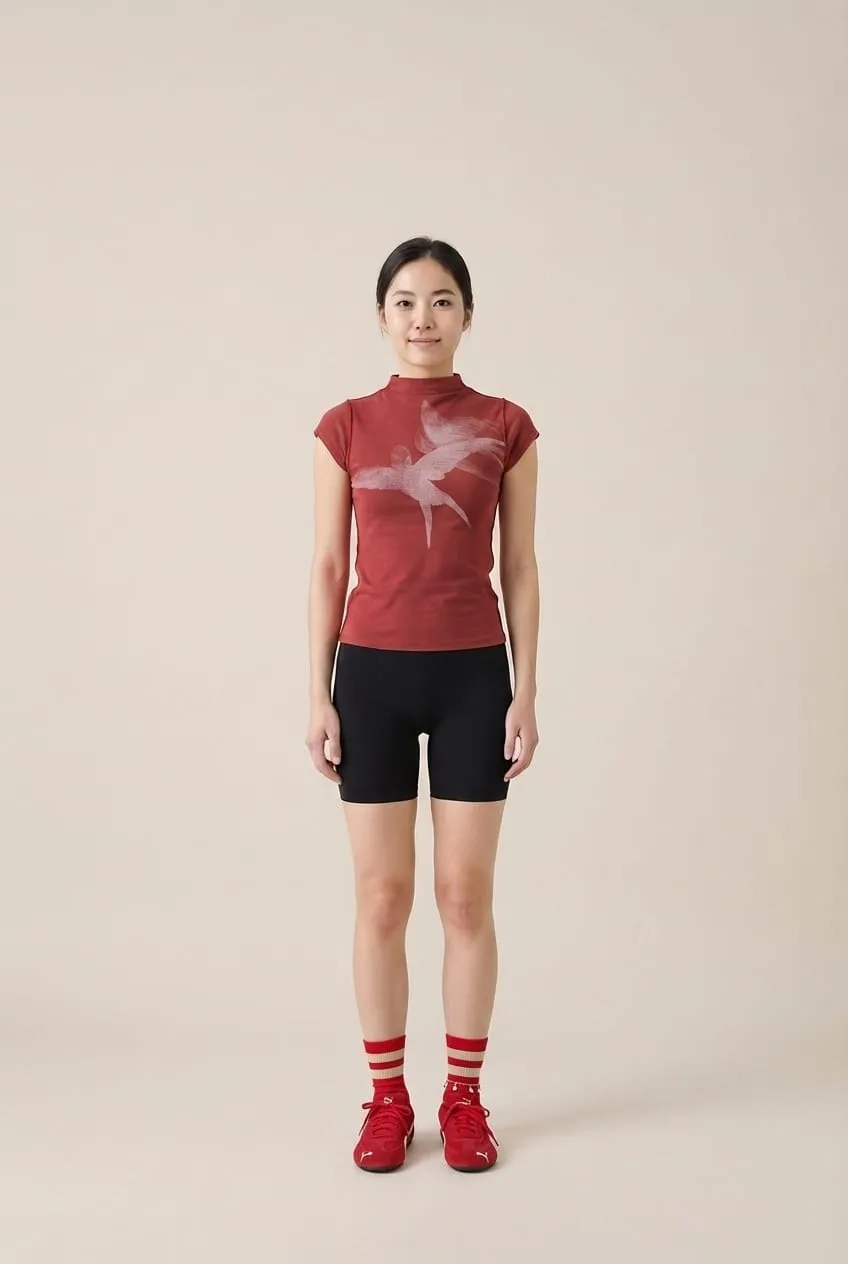
1. Shoot the right reference photo. Full body, straight on, camera at chest height, even natural light, plain background. Wear something fitted and light colored. Bridal gowns are pale, and a dark bulky outfit underneath makes the render work harder than it needs to.
2. Consider your shoes. Heel height changes proportion significantly, and it's the detail brides most often forget until the first fitting. If you know you're wearing a 7 cm heel, shoot the photo in one.
3. Use clean product images. Designer lookbook photos on plain backgrounds work best. Avoid busy editorial shots where the gown is half hidden behind a bouquet or shot from behind.
4. Test the same silhouette across designers. Two A-lines from different houses can read completely differently depending on fabric weight and waist placement. This is where you learn what you actually respond to.
5. Save everything into one comparison. Line the results up side by side. Patterns emerge quickly, usually not the ones you expected.
You can run the whole flow on the try-on generator, and the wedding attire page has examples of how gowns and formal looks render.
Testing veils, and the accessories nobody plans for
The veil is the accessory brides most consistently underestimate, and it's a genuinely good use of virtual try-on because veil length dramatically changes the proportion of the whole look.
Birdcage and shoulder length keep the focus on the face and the neckline. They suit short gowns, civil ceremonies, and vintage-leaning looks.
Fingertip is the most versatile length. It reaches roughly to your fingertips with arms at your sides and works with almost any silhouette.
Chapel and cathedral trail behind you and create drama on a long aisle. They also visually shorten you if you're petite, and they demand a venue with the space to carry them.
Preview two or three lengths against your chosen silhouette before you spend anything. The mismatch between a heavily beaded gown and an equally heavy veil is a common and expensive discovery.
The same approach works for the rest of the look. Hair up versus hair down changes the neckline read completely. A jacket or overskirt for the ceremony, removed for the reception, is easier to evaluate as two side-by-side images than as a description from a consultant.
How to walk into a bridal appointment with a real shortlist
Here's the workflow that turns virtual try-on into a shorter, less exhausting process.
Two weeks before: Run five silhouettes on your own photo. Pick two. Ignore everything outside them from that point on.
One week before: Within those two silhouettes, gather ten to twelve specific gowns from designers your salon actually carries. Check the salon's designer list first; this step is wasted if you shortlist a house they don't stock. Run each one. Narrow to six.
Send the shortlist ahead. Most salons will happily pull specific styles if you email them in advance. Consultants prefer this. It means the rail is already relevant when you arrive.
At the appointment: Try your six, plus whatever the consultant adds. They know their stock and their alterations team, and they will spot things you can't. The virtual pass makes their job easier, not redundant.
Budget for alterations. Every gown gets altered. Bridal alterations regularly run into several hundred, sometimes more for heavy beading or a full re-cut. Wedding planning resources like The Knot track these costs annually and it's worth checking the current figures for your region before you set a dress budget.
Mistakes that make virtual bridal try-on useless
Judging fabric from a render. You cannot see weight, hand, or how a fabric catches light. Two gowns that render identically can feel entirely different. Always confirm fabric in person.
Treating it as a size guide. It isn't. Bridal sizing is its own universe, generally running several sizes smaller than street sizing and varying by designer. Get measured at the salon.
Shortlisting gowns your salon doesn't carry. The most common wasted effort. Check the stockist list first.
Only trying gowns you already liked. The value is in discovering the silhouette you dismissed. Deliberately include two you assumed wouldn't work.
Forgetting the venue. A cathedral train in a small garden ceremony is a logistical problem. Consider the space and the season alongside the render.
Skipping the appointment entirely. Nobody should buy a wedding dress from a screen. The virtual pass narrows the field. The salon makes the decision.
Frequently Asked Questions
Can you try on wedding dresses virtually?
Yes. Photo-based AI try-on lets you upload a full-body photo of yourself and a gown's product image, then generates a realistic composite showing that silhouette on your proportions. It's genuinely useful for comparing silhouettes, necklines, and veil lengths before you book appointments. It cannot show fabric behavior or predict your size, so treat it as a shortlisting tool rather than a substitute for trying gowns on.
Is virtual wedding dress try-on accurate?
It's accurate for silhouette, proportion, and neckline, which are the decisions people most often get wrong from inspiration photos. It is not accurate for sizing, and it can't convey fabric weight, movement, or how a gown catches light. Use it to narrow six silhouettes to two, then confirm everything physical at a salon appointment.
How far in advance should I shop for a wedding dress?
Most bridal salons recommend ordering six to nine months before the wedding, because gowns are typically made to order and alterations need several fittings. If you're inside that window, ask about off-the-rack options and rush fees. Virtual try-on helps most when time is short, because it compresses the exploratory phase from several appointments into an afternoon.
What wedding dress silhouette suits my body?
A-line suits the widest range of body types and is the reasonable default. Mermaid and trumpet flatter defined waists but restrict movement. Ball gowns create drama but can overwhelm petite frames. Sheath cuts favor lean, tall proportions. Rather than guessing from these rules, render four or five silhouettes on your own photo and compare side by side. The result is often not what people expect.
Can I try on a veil virtually?
Yes, and it's one of the more useful applications, because veil length changes the proportion of the entire look. Test birdcage or shoulder length for a face-forward look, fingertip as the versatile middle ground, and chapel or cathedral for drama on a long aisle. Preview each against your chosen gown silhouette before buying, since a heavy veil on a heavily beaded gown often competes rather than complements.
Does virtual try-on work for bridesmaid dresses and guest outfits?
It works well, and arguably better than for bridal, because the stakes are lower and the fabrics are simpler. It's especially useful for bridesmaids in different sizes and body types trying to agree on one style, since each person can preview the same dress on their own photo. The same applies to formal wear for guests and groomsmen.
Should I still book salon appointments if I've tried gowns virtually?
Yes, always. Virtual try-on narrows the field; it doesn't make the decision. You need to feel the weight, move in the skirt, sit down in it, and see it under real light. What changes is the quality of the appointment: instead of exploring, you're deciding between a handful of gowns you already know suit you.
Conclusion
Virtual wedding dress try-on is best understood as a filter, not a fitting. It answers the questions that waste the most appointment time: which silhouette suits your proportions, which neckline works with your shoulders, whether a cathedral veil overwhelms you or completes the look.
Do that work at home, on your own photo, across four or five silhouettes. Narrow to two. Build a shortlist from designers your salon actually stocks, send it ahead, and walk in with a rail that's already relevant. Then let the gown, the light, and the mirror do the rest. The technology handles the elimination. The moment still belongs to the fitting room.